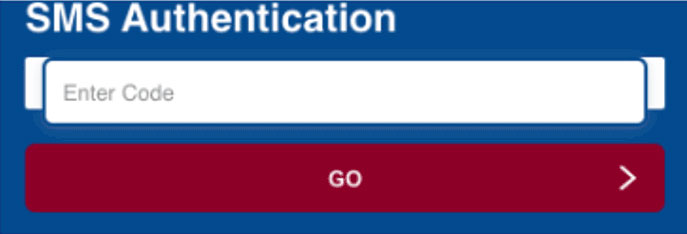
This method of Multi-Factor Authentication uses your mobile number stored in SIS. If the number is incorrect or not populated in SIS please contact the help desk @ 276-739-2500 or helpdesk@vhcc.edu.
Step 1: Update Profile
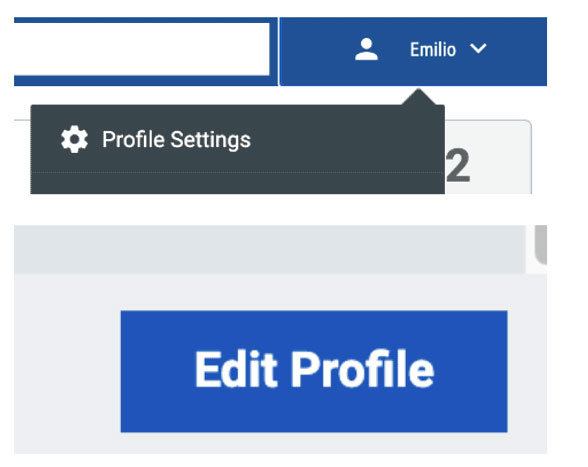
- On the upper right of the portal select your name and then select “Profile Settings”
- A window will pop up on the right of the screen. Select “edit profile” button on the lower right.
Step 2: Opt In
- Select the option “OPT-IN MFA SMS”
- Click Save
- Logout of the portal to test

Step 3: Enter the code you receive via SMS
- Enter the code in the "SMS Authentication" field and click "GO".